UAE Hospitality CV Templates

A great CV starts with the right structure.

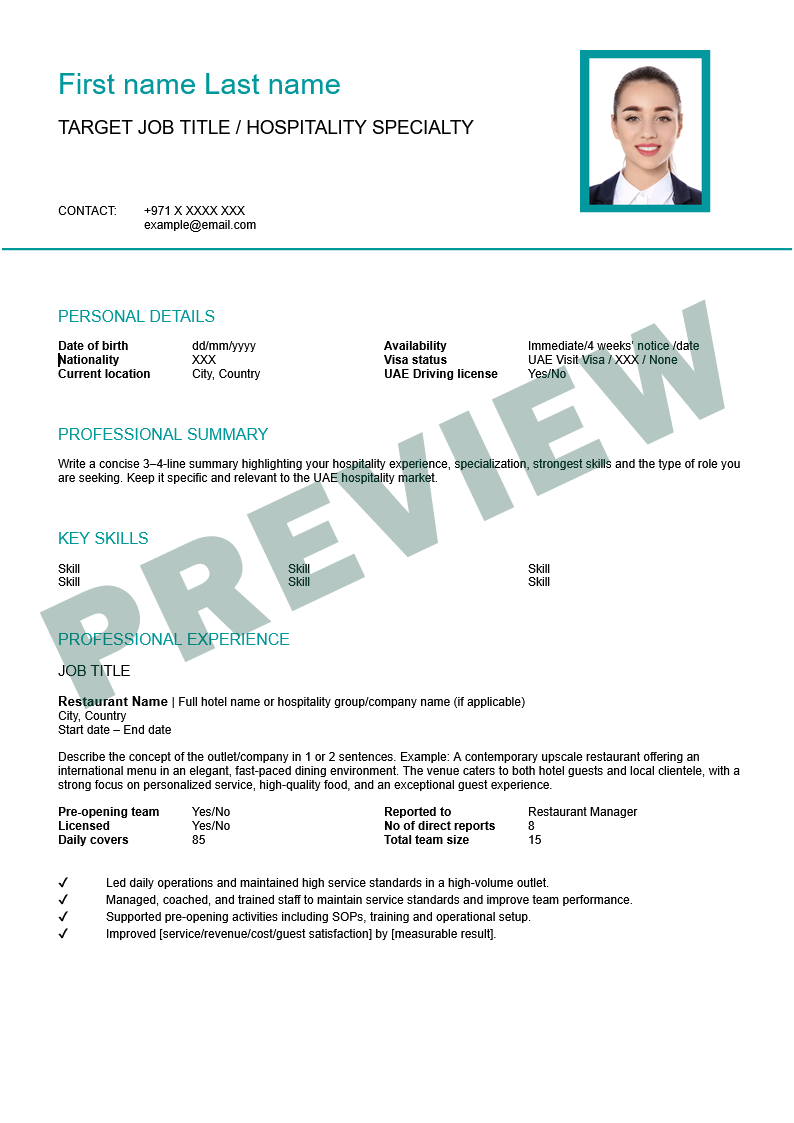
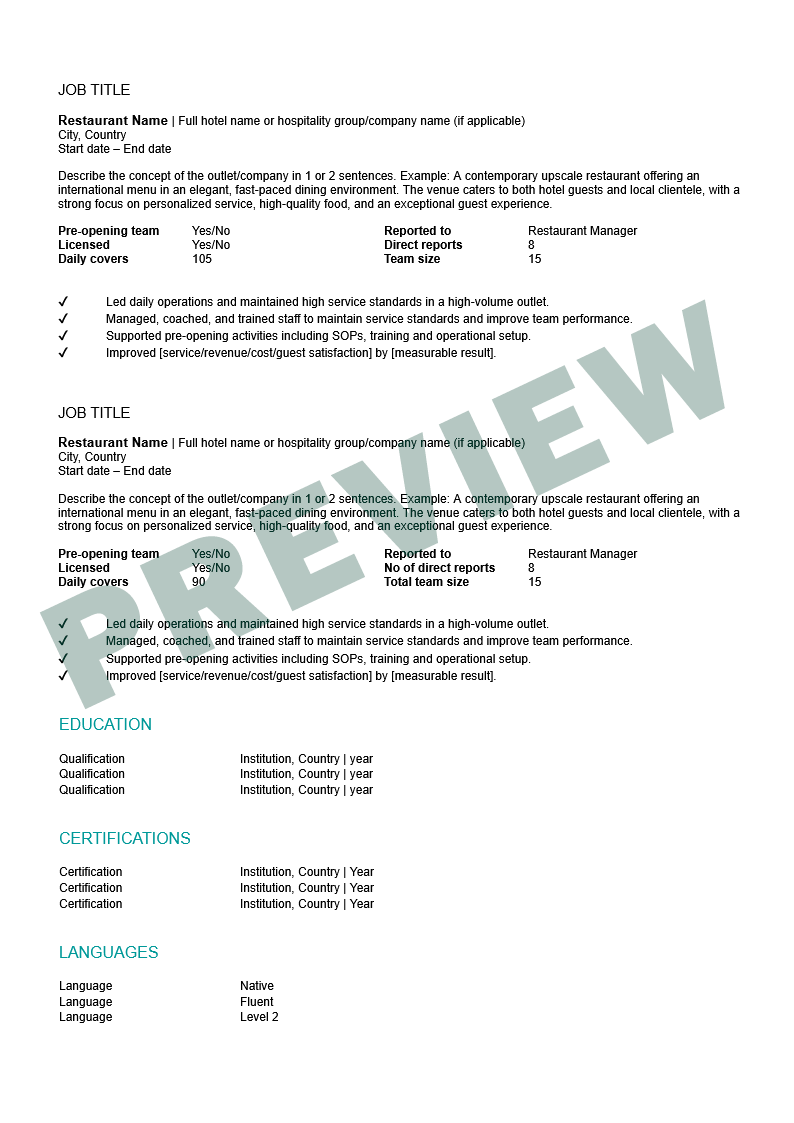
Present your experience with confidence using our free CV templates. Our clear, standardised format helps you organise your experience, skills and qualifications so employers can quickly find the details that matter.

Our free CV template:

CV template preview page 1 CV template preview page 2

Choose the format that works for you

You only need one version. If you have Microsoft Word installed, download the Word template. If you prefer to work online, use Google Docs with your Google account. No software installation is needed.

Please note that this template should be edited on a laptop/desktop computer only. It is not compatible with mobile phones.

Download and edit

Microsoft Word

Have Microsoft Word installed? Download the template, open it in Word and replace the example text with your own details.

Download Word template

Editable .docx file

Save your completed CV as a PDF

  1. Complete your CV and save your copy.
  2. Go to File → Save As or Save a Copy, depending on your version of Word.
  3. Choose PDF as the file format, then select Save.

These steps are for desktop Word. Some versions also offer PDF under File → Export.

Copy and edit online

Google Docs

No Word installed? Open the template, sign in to your Google account and select File → Make a copy. Save it to your Google Drive, then fill in your own copy.

Open Google Docs template (opens in a new tab)

Google account required to create your editable copy

Save your completed CV as a PDF

  1. Complete your CV in your own Google Docs copy.
  2. Go to File → Download.
  3. Select PDF Document (.pdf) to download your completed CV.

These steps are for Google Docs in a desktop browser. Menu options differ in the mobile app.